Nursery operating system

Run the nursery day on one calm, trustworthy record

Nurtalo brings attendance and ratios, daily care, learning, family communication, admissions, workforce, finance and compliance into a single system built for early years settings across the UK.

What Nurtalo is built around

  • Safety is never a paid extra. Attendance, headcount, ratios, accidents, medication, safeguarding, emergency information, consents, audit and export are base capabilities in every plan.
  • Honest state. Draft, queued, submitted, approved and shared are different things, and Nurtalo says which one you are looking at. Unknown is never shown as fine.
  • Accessible by default. Keyboard support, visible focus, readable contrast and generous touch targets are part of the build, not a later retrofit.
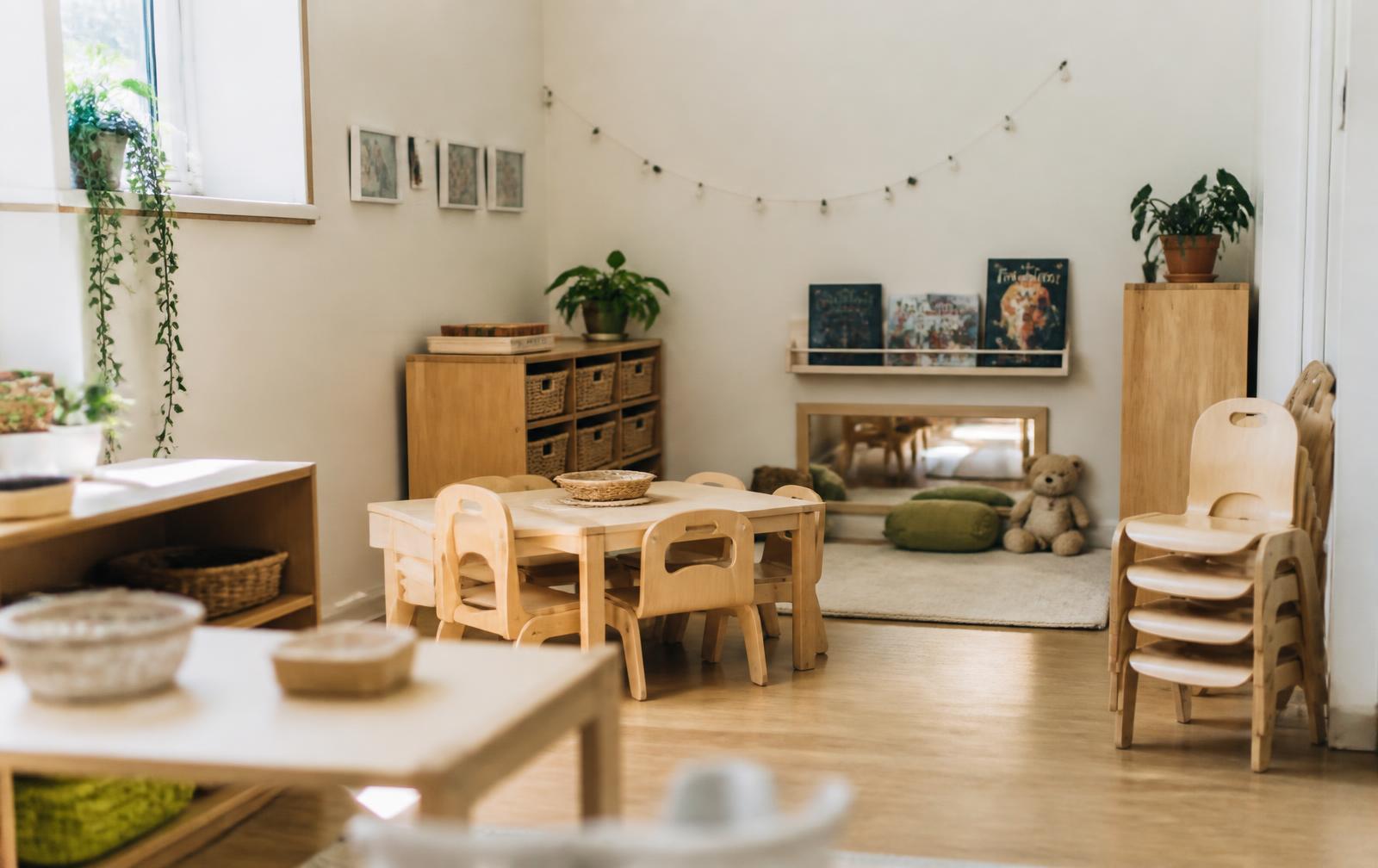
A bright nursery room at the start of the morning, with low tables, wooden storage and baskets of resources set out before children arrive.
The half hour before the doors open is the part of the day most software ignores. It is where we started.

Who builds this

We are a small team, and we say what is finished

Nurtalo is built by a small group who spend their time with managers, room leaders and administrators rather than with market research decks. We sit in on morning handovers, watch a medication round being signed off, and listen to the phone call a manager makes when a child has not arrived. Then we build the smallest honest thing that makes that moment less fragile.

  • We write down what is built, what is in progress and what does not exist yet, and we keep that list public.
  • We would rather lose a deal than describe a planned capability as though you could use it on Monday.
  • Every safety capability is in the base product, because charging for a headcount would be indefensible.
  • When something goes wrong we tell you what happened, what we changed, and how you can check it yourself.
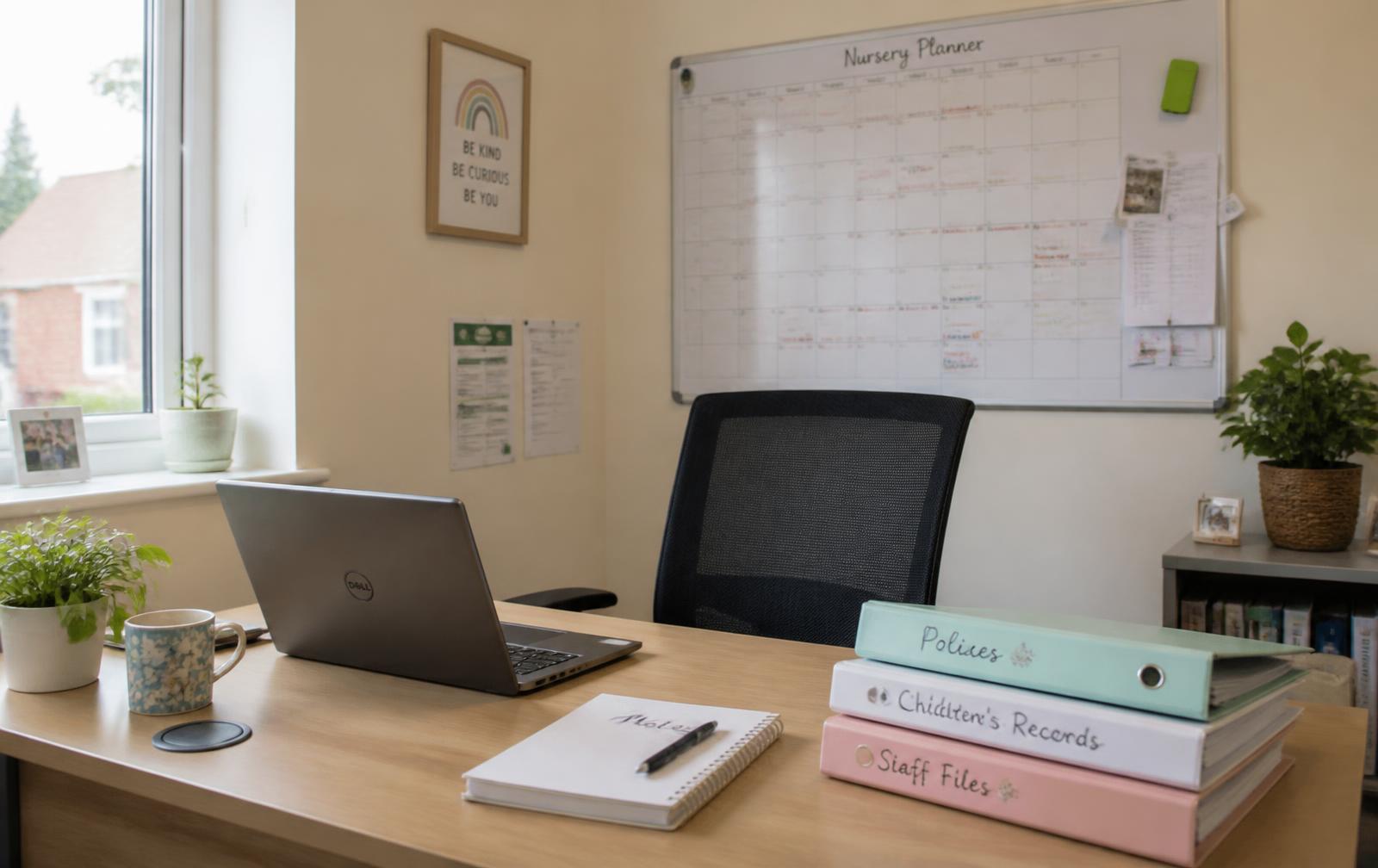
A nursery manager's desk with a laptop, a printed rota and a mug, in a small office off the main corridor.

The operating day

A record shaped like the day, not like a filing cabinet

Nurtalo is organised around what actually happens in a setting, from the first arrival to the last collection. The times below are a typical full-day setting; yours are yours to configure.

  1. 07:00

    Before the doors open

    The rota, expected children, booked sessions and overnight absence notices are already in one place, so the first hour is not spent reconstructing the day from messages and paper.

  2. 07:45

    Arrivals and registers

    Children are registered in as they arrive, room by room, with the adult who brought them recorded where it matters. Headcount and staffing awareness update from what has genuinely been entered.

  3. 09:30

    Through the session

    Nappies, sleeps, meals, room moves and observations are recorded at the moment they happen, by the person who was there, against child, adult and time.

  4. 11:15

    When something needs care

    Accidents, incidents, medication rounds and concerns are handled as proper safety records with authors, timestamps, follow-up and family acknowledgement, not as a note in a group chat.

  5. 15:30

    Keeping families informed

    Daily summaries, learning moments, newsfeed posts and messages are shared deliberately, each with a named audience and a truthful sent state.

  6. 18:00

    Closing the day

    Outstanding work is visible rather than remembered. The register, care records, family updates and finance all describe the same day.

Attendance and staffing awareness

The register is the room, not a spreadsheet about the room

Signing a child in takes one tap from the room screen, and the headcount changes in the same breath. Nothing is inferred from a booking: if an adult has not recorded an arrival, Nurtalo says the arrival is unknown rather than quietly counting the child as present.

  • Room-by-room presence, with the collecting adult recorded where the setting requires it
  • Staffing awareness derived from recorded presence and recorded qualifications, with the working figures shown
  • Late collections, absences and room moves handled as events, each with an author and a time
  • A printable register for the fire point, because paper still matters when the power does not
A practitioner's hands holding a tablet at child height, recording something while standing in the room.

Families

One thread per family, and an audience you chose on purpose

Families see what the setting decided to share, when the setting decided to share it. Nothing is broadcast automatically, nothing is shared because a checkbox defaulted to on, and a message that is queued on a phone in a basement room says so instead of pretending to be delivered.

  • Named audiences on every announcement, post and summary
  • Sent, delivered and read are three different states and are labelled as three different states
  • Absence notices, consents, forms and invoices arrive in the same place the conversation lives
  • Families never see another family, and never see a record the setting has not shared

Groups and multi-site

Oversight across settings without turning children into a dashboard

HQ shows how the group is doing: occupancy, outstanding checks, staffing pressure and finance, setting by setting. Drilling into a person-level record is a deliberate act that respects the same permissions as the setting itself, and it is written to the audit trail.

  • Aggregate first, with drill-down that stops where your permissions stop
  • The same policies, forms and practice pushed consistently to every setting
  • Group finance read monthly across settings without exporting a single spreadsheet
  • Opening a new setting is configuration, not a second system to keep in step

Built for the whole setting

Different people, one shared source of truth

Practitioners, managers and families each get a surface suited to what they need to do, working from the same underlying record.

Practitioners

Recording should take seconds and never pull an adult away from the room for longer than it has to.

  • Large, phone-friendly targets and short recording flows
  • Structured events instead of retyping the same note
  • Clear states, so nothing looks done when it is only queued
  • Your own shifts, tasks and supervisions in one place

Managers and owners

A priority-led view of what needs attention today, and evidence you can produce without a scramble.

  • Needs-attention work before general activity on the home screen
  • Ratios, occupancy, admissions and finance in the same record
  • Supervisions, policies and compliance checks with an audit trail
  • Reports and exports built from the operational record itself

Families

One place for daily care, learning, permissions, invoices and messages, with permissions the nursery controls.

  • Care and learning shared deliberately, never automatically
  • Absence, bookings, consents and forms from a phone
  • Invoices and documents alongside the nursery's messages
  • Nothing visible to a family that the setting has not chosen to share

Platform areas

The parts of the system, and what each one is for

Each area shares one record, one permission model and one audit trail. Nothing is a separate product bolted on afterwards.

Attendance and ratios

Registers, room presence and live headcount, with staffing awareness derived from what has actually been recorded.

  • Sign in and out
  • Room moves
  • Absence notices from families

Care and health

Structured daily care, medication authorisations and administrations, allergies and health alerts.

  • Meals, sleeps and personal care
  • Medication rounds
  • Accidents and incidents

Learning

Observations, next steps, weekly planning and assessments linked to children and to your chosen framework.

  • Observations with media
  • Next steps
  • Family contributions

Communications

Threads, announcements, polls, newsfeed posts and daily summaries with explicit audiences and receipts.

  • Message threads
  • Newsfeed
  • Read receipts

Admissions

Enquiries, visits, offers, onboarding tasks and session requests in one pipeline that feeds the register.

  • Enquiry to start date
  • Offers
  • Onboarding tasks

Workforce

Staff records, site assignments, shifts, leave, supervisions and qualification evidence.

  • Rota and shifts
  • Supervisions
  • Qualification records

Finance

Billing accounts, fee plans, funding entitlements, invoices, payments and allocations.

  • Fee plans
  • Invoices
  • Funding entitlements

Compliance and safeguarding

Checks, policies and acknowledgements, plus tightly restricted safeguarding casework.

  • Check runs
  • Policy versions
  • Restricted case access

HQ for groups

Organisation-wide oversight across settings with deliberate drill-down and enforced scope.

  • Occupancy across sites
  • Compliance coverage
  • Consistent practice

Where we stand

Four things we will put in writing

These are commitments we can be held to, not usage figures collected from other people's settings.

Safety capabilities behind a paywall
Zero
Attendance, headcount, ratios, accidents, medication, safeguarding, emergency information, consent, audit and export are in every plan.
The accessibility level we build to
WCAG 2.2 AA
Keyboard operation, visible focus, contrast, reflow at 200 per cent text and 44 by 44 pixel targets are part of the definition of finished.
Languages in the product today
en-GB and cy-GB
Welsh is live on the sign-in surfaces and is being extended; we say which screens are translated rather than claiming the lot.
To export everything you own
One click
A full export of your organisation's data is a base capability, not something you have to ask support to arrange.
A nursery cloakroom with named pegs, wellington boots lined up underneath and coats hung at child height.
Pegs, boots and a name on a card. Most of what a nursery knows already exists physically; our job is to stop it living in three places at once.

Honestly

What changes on an ordinary Tuesday

Not a feature list. These are the moments managers describe to us when we ask what actually goes wrong.

We are describing the mix of paper, group chats and spreadsheets most settings run on, not any particular software product.
What happensPaper, chat and spreadsheetsWith Nurtalo
A child has not arrivedSomeone checks the paper register, then the booking sheet, then asks the room, then finds a message from 06:40 in a group chat.The register shows the arrival as unknown, the family's absence notice is on the same record, and the follow-up has an owner.
Medication at middayA signature on a form in a locked drawer, transcribed later, hoping the second signature was collected.An authorisation from the family, an administration recorded at the time by a named adult, and a witness where your policy requires one.
An inspector asks for evidenceAn evening of collating folders, photographs of forms and a spreadsheet that has been edited by four people.The operational record is the evidence. Filter the period, produce the export, and every entry still has its author and time.
A family asks what happened todayA verbal handover at the door, then a call at 19:00 because the detail was not written down anywhere.The day's care record is already shared with the audience the setting chose, and the thread stays with that family.
Invoicing with funded hoursA spreadsheet of entitlements, a second spreadsheet of sessions, and a reconciliation nobody enjoys.Sessions, entitlements and fees sit on the same record, so the invoice describes the attendance that was actually recorded.

Evidence and trust

Children's records deserve serious engineering

Tenancy, permissions and audit are product features in Nurtalo, not background plumbing that nobody looks at.

Safety capabilities are never a paid extra

  • Attendance, headcount and ratio awareness
  • Accidents, incidents, medication and safeguarding
  • Emergency information, permissions and consents
  • Immutable audit history and a full data export

Access is decided on the server

  • Every record belongs to an organisation and a setting
  • Membership records are the source of truth, not a browser claim
  • Row-level security applies to reads and writes alike
  • Cross-setting access is refused by the database, not hidden by the interface

State is stated plainly

  • Draft, queued offline, submitted, approved, shared and signed are different
  • Nothing reads as done while it is only saved on the device
  • Unknown is never rendered as a reassuring green
  • Receipts say what happened, who did it, when, and who can see it

Accessible for the people actually using it

  • WCAG 2.2 AA treated as the working minimum, checked as we build
  • Full keyboard operation with a clearly visible focus indicator
  • Minimum 44 x 44 pixel targets on every product action
  • Status never communicated by colour alone
  • Readable at 200% text size, and respects reduced-motion preferences

Implementation

How moving to Nurtalo is meant to go

We would rather sequence a move carefully than promise a one-click migration that nobody can honour.

  1. 1

    Understand the provision

    How many settings, how many places, which sessions and funding types, and which parts of the current day cause the most admin.

  2. 2

    Agree the scope in writing

    A scoped proposal covering settings, modules, timing and what is not yet built, so nobody is surprised later.

  3. 3

    Set up the organisation

    Organisation, settings, rooms, roles and permissions configured with your own vocabulary before anyone is invited.

  4. 4

    Bring across records

    We are direct about what transfers cleanly from your current system and what has to be re-entered or checked by a person.

  5. 5

    Run a parallel period

    Practitioners record in Nurtalo while the old process is still available, so confidence is earned rather than assumed.

  6. 6

    Open the family portal

    Families are invited once the setting is ready, with permissions and audiences agreed before anything is shared.

Questions

Common questions before a first conversation

Is Nurtalo available to buy today?
Nurtalo is in active development ahead of launch. We would rather tell you plainly what exists today, what is being reviewed, and what is still to come, than imply a finished service.
Do we have to buy safety features separately?
No. Attendance, headcount, ratios, accidents and incidents, medication, safeguarding, emergency information, permissions and consent, immutable audit and full data export are base capabilities and are never placed behind an upgrade.
Are there apps for staff, families and the sign-in tablet?
Yes. Nurtalo Parent, Nurtalo Staff and Nurtalo Kiosk are three separate Nurtalo apps, each installed straight from Nurtalo onto phones and tablets with its own icon, name and start screen. Nurtalo Web and the HQ workspace remain available on any desktop browser.
What happens to our data if we leave?
A full export of your organisation's data is a base capability, not a retention lever. Data export and data rights handling are part of the platform rather than a support favour.
How much does it cost?
Pricing is scoped to your number of settings, places and modules, and we do not publish a fixed price list we would then have to caveat. Tell us about your provision and you will get a written proposal.

Try your real nursery workflows for 30 days

Set up your nursery and explore late collections, medication rounds, room moves and family communication in your own workspace. No card details are needed to start.